
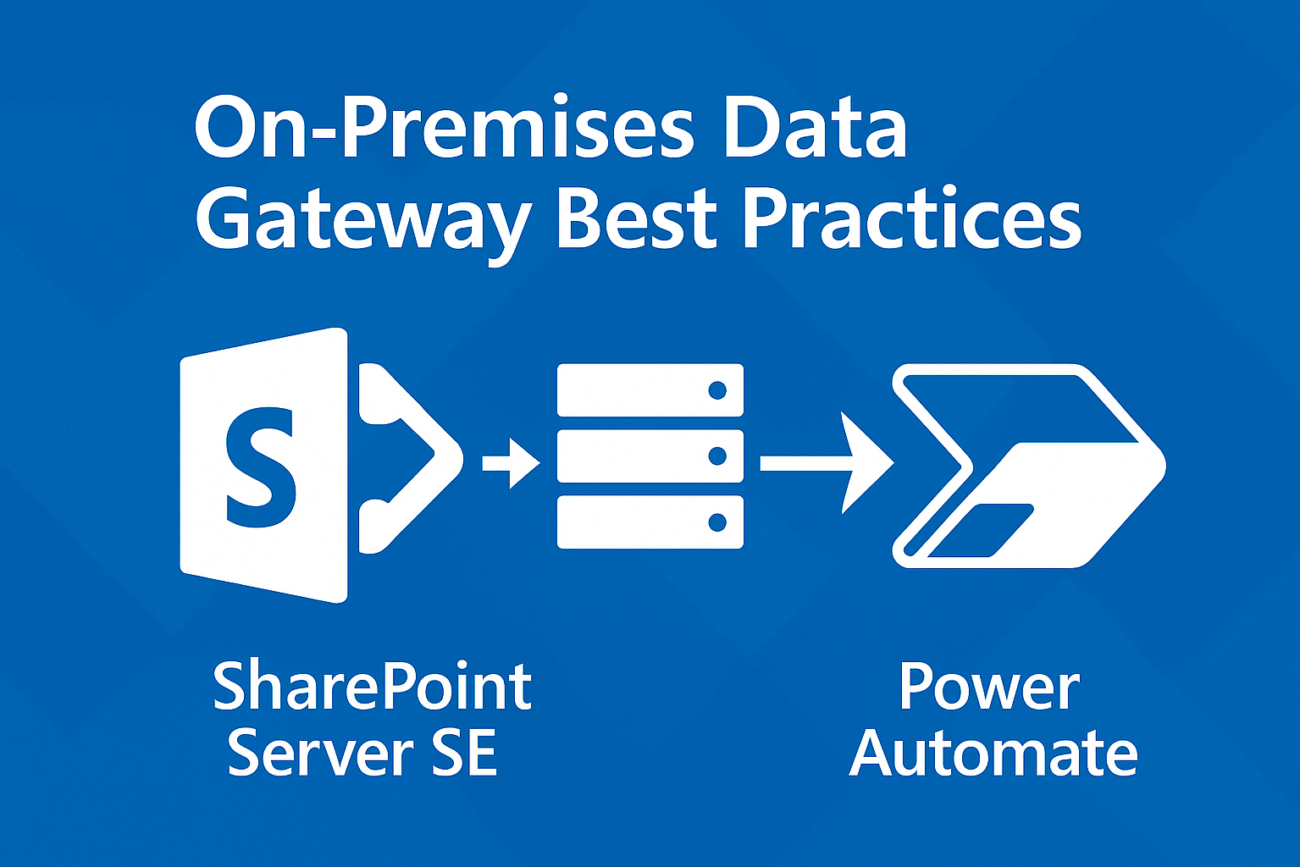
Highlights:
Architecture Confirmation: Confirms that a single server can indeed connect to multiple environments (Dev/Test/Prod) as long as there is network line-of-sight.Dedicated
Hosting:
Explains why you should never install the gateway on the actual SharePoint servers.Clustering: Provides guidance on setting up a Gateway Cluster for high availability.
Checklist:
Includes a technical readiness checklist covering OS, ports, and the critical recovery key
Architecture Overview
The On-Premises Data Gateway acts as a secure bridge between Microsoft Cloud
services (Power Automate, Power Apps, Power BI) and your local SharePoint Server
SE environment. A single gateway installation is capable of connecting to multiple
environments, provided networking requirements are met.
The “One Server” Rule
Yes, one server where the gateway is installed can connect to all your different
environments (Dev, Test, Prod). It does not need to reside “inside” the SharePoint
environment logic, but it must have network line-of-sight to the SharePoint Web Front
Ends (WFEs).
Key Installation Best Practices
- Dedicated Gateway Host
Do not install the gateway directly on SharePoint Application or WFE servers. The
gateway can be resource-intensive (CPU/RAM); placing it on a dedicated VM
prevents resource contention and ensures SharePoint stability. - High Availability & Clustering
For production-grade environments, always use Gateway Clustering. Install the
gateway on at least two separate servers and join them to the same cluster. This
provides load balancing and automatic failover.
